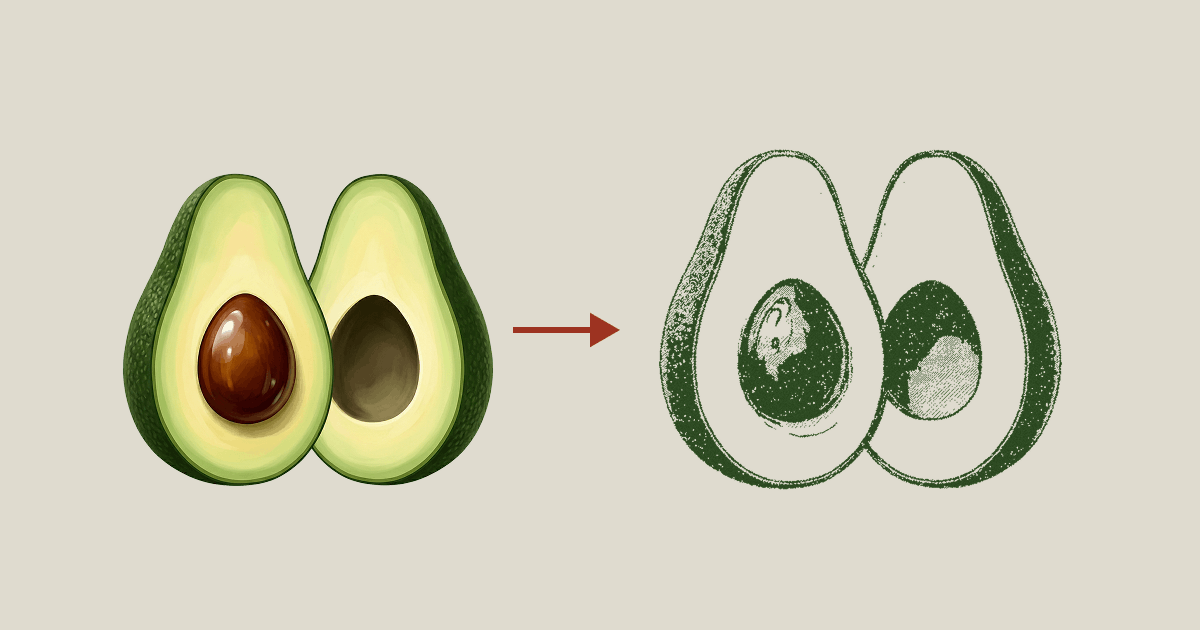
Drop Freepik or unDraw SVGs, remap every color to your palette — shading preserved. Free, browser-only, no signup.
Drop SVG files here, or click Upload SVGs
All processing happens in your browser — files never leave your device
Drop or click to add up to 50 SVG files. Processing happens 100% in your browser — nothing uploads.
Color Swap auto-groups every color into Primary, Accent, and Neutral palettes. Click any swatch to pick a new color — related shades shift together to preserve shading.
Export a single SVG or a ZIP of recolored files. Drop them straight into your project, design system, or repo.
Freepik vectors typically use 4–8 colors across paths, gradients, and shadows. Color Swap auto-groups them all and lets you remap to your brand palette in one pass — no native tool on Freepik's side does this.
unDraw's color picker only changes the primary color. Use Color Swap when you need to rebrand accents, skin tones, and shadow shades independently — the way real brand kits look.
Icon packs from GitHub, exports from Figma / Sketch / Illustrator, or any other SVG file on disk — if it has colors, Color Swap can remap them. No app or plugin required.
Everything you might wonder before dropping your SVGs.
currentColor (Lucide, Heroicons) usually don't need Color Swap — a single CSS rule handles them.#rrggbb, #rgb, #rrggbbaa), rgb() / rgba(), hsl() / hsla(), and all CSS named colors. Alpha channel is kept intact when recoloring.Packaging...